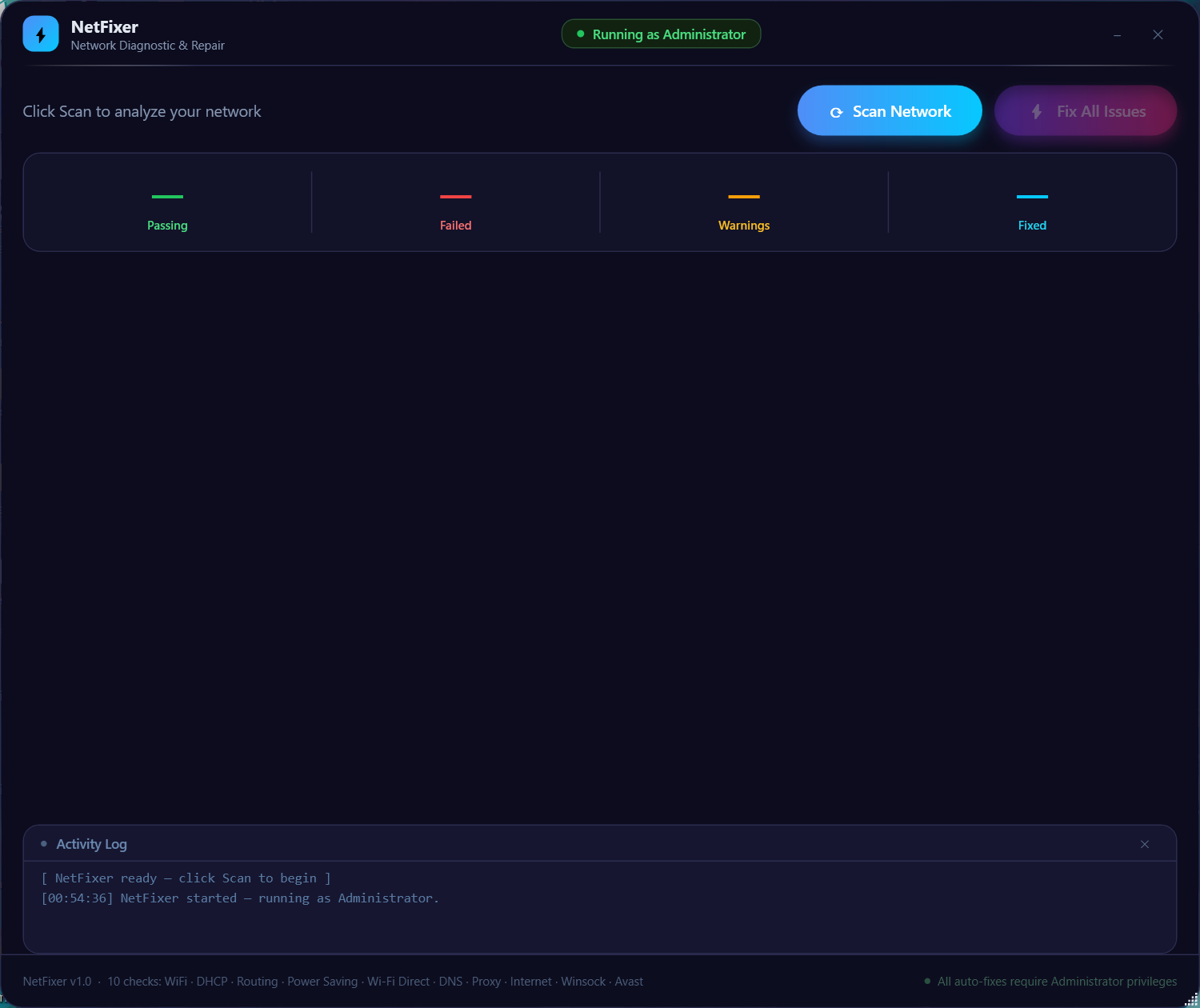
Main window — clean, instant scan
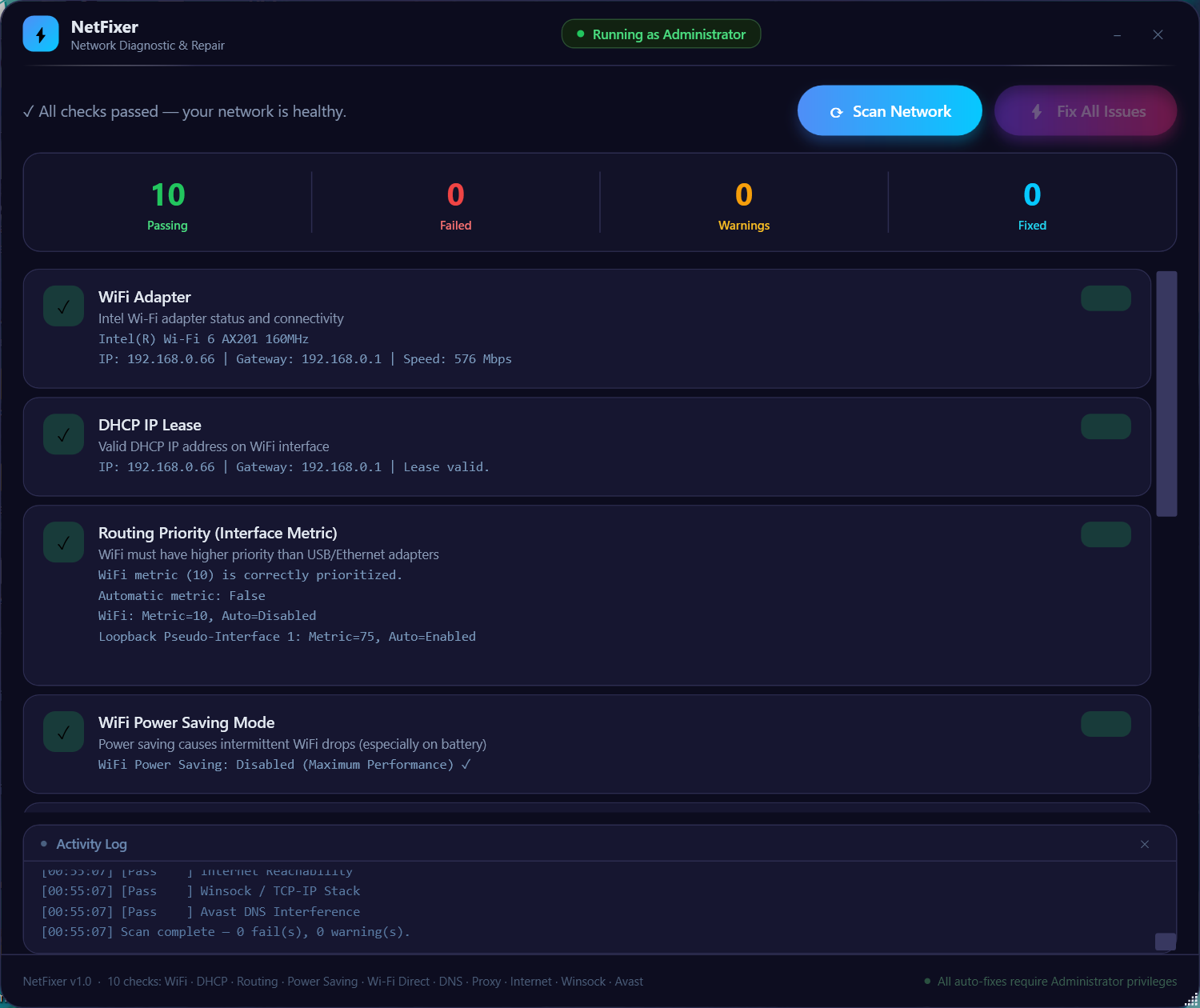
After scan — issues detected with one-click fixes
NetFixer automatically diagnoses and repairs WiFi, DNS, Winsock, DHCP, proxy and routing issues on Windows 10 and 11 — in seconds, with no installation.
Main window — clean, instant scan
After scan — issues detected with one-click fixes
Common Problems
NetFixer detects and auto-fixes all of these in a single scan.
Diagnostic Engine
Every check runs in sequence — each with a dedicated auto-fix ready to apply.
Comparison
Other options are slow, complex, or cost money. NetFixer is instant and free.
| Feature | NetFixer | Manual CMD | Windows Troubleshooter | Paid Tools |
|---|---|---|---|---|
| File size | 64 KB | 0 KB | Built-in | 10–200 MB |
| No installation | ✓ Always | ✓ | ✓ | ✗ Requires install |
| 10 checks in one scan | ✓ | ✗ Manual, one by one | ⚠ Limited | ⚠ Varies |
| Auto-fix with one click | ✓ | ✗ Type every command | ⚠ Sometimes | ✓ |
| Startup time | <1 second | Instant | 5–10 seconds | 3–20 seconds |
| Cost | Free | Free | Free | $20–$50/yr |
| Open source | ✓ MIT | ✓ | ✗ Closed | ✗ Closed |
How It Works
Three steps. That's it.
FAQ
Everything you need to know before downloading.
Support the Project
NetFixer is completely free and open source. If it fixed your internet issue, consider buying me a coffee — it keeps development going!
Thank you for your support! 💙
Powered by PayPal — 100% secure
Free. Portable. No install. No bloat. Open source.
Windows 10 / 11 · 64 KB · .NET Framework 4.8 · MIT License